Sign in with Google
Create your Spends account with Google Sign-In so we can keep your data tied to you securely.
Spends
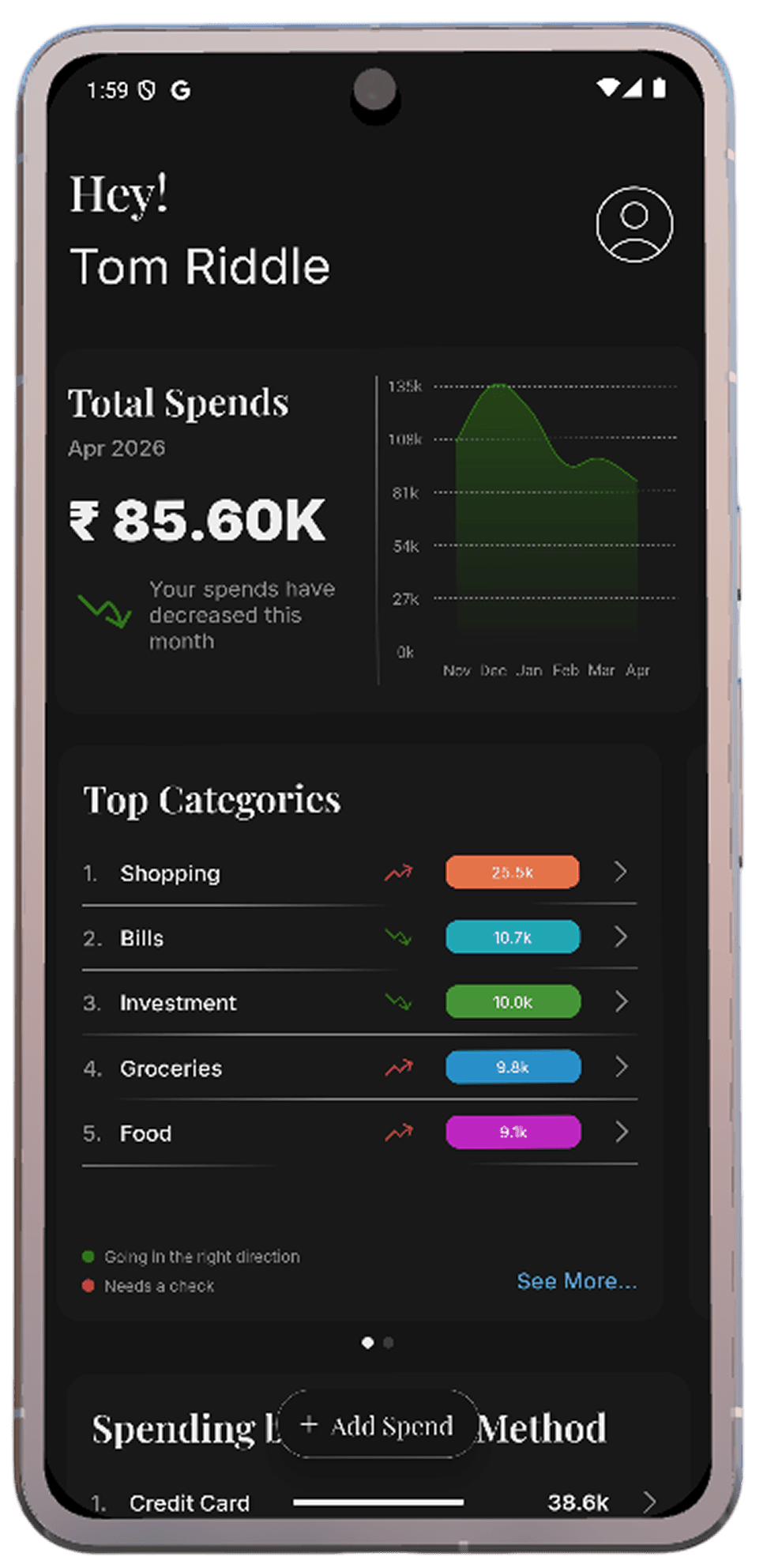
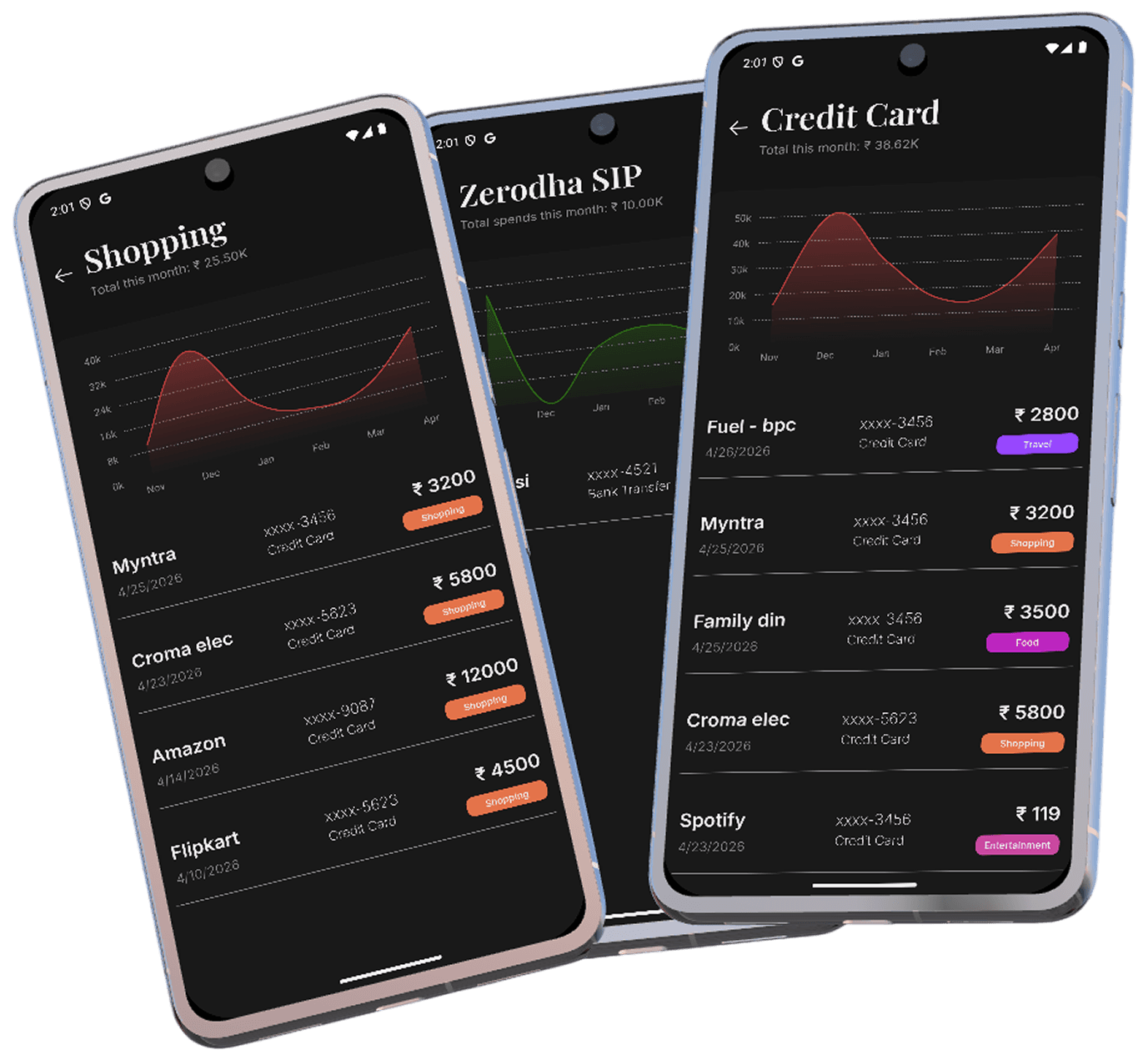
Built from the bank alerts you already get.
Your dashboard updates as alerts arrive—no spreadsheets, no manual entry.
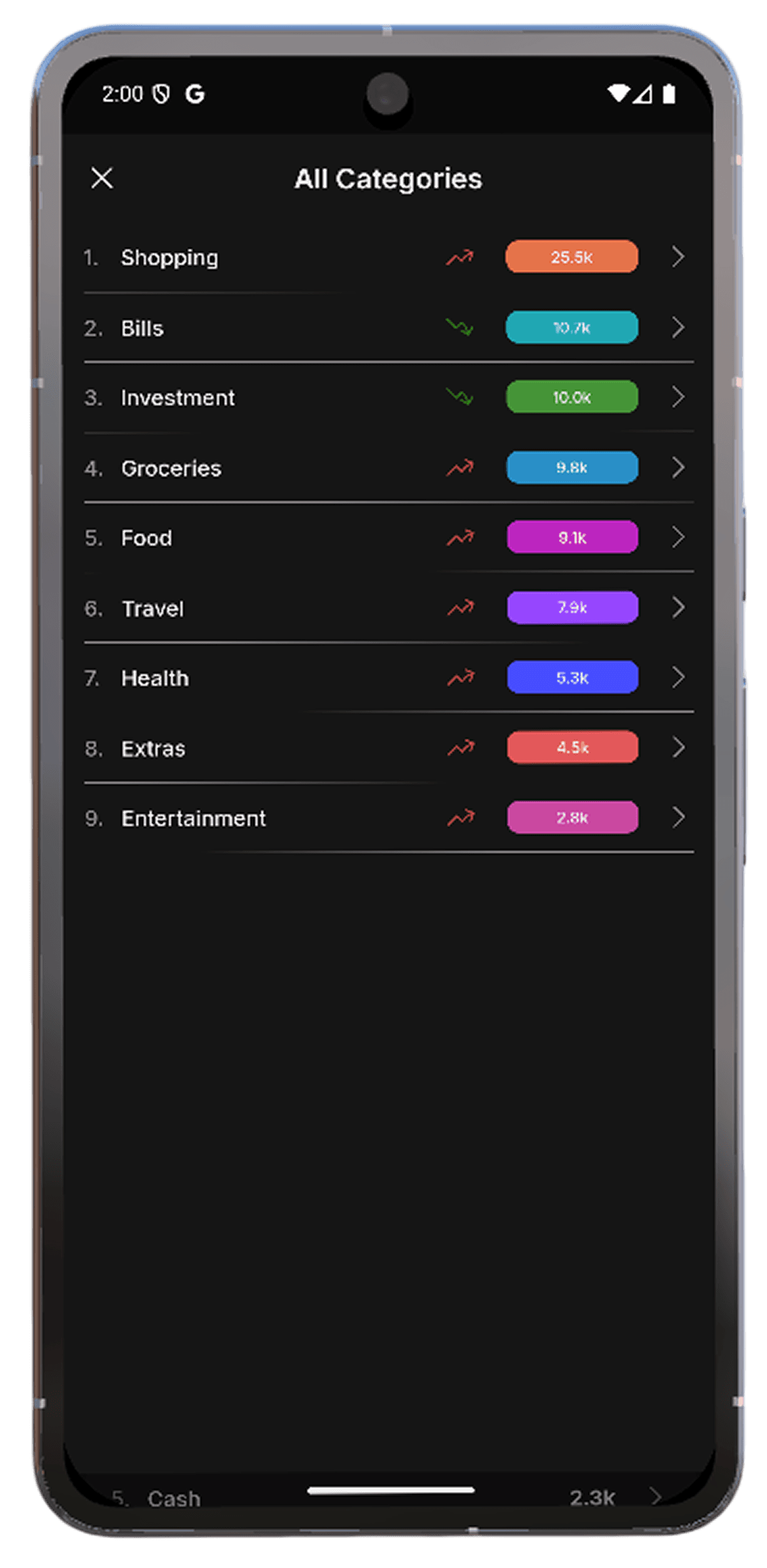
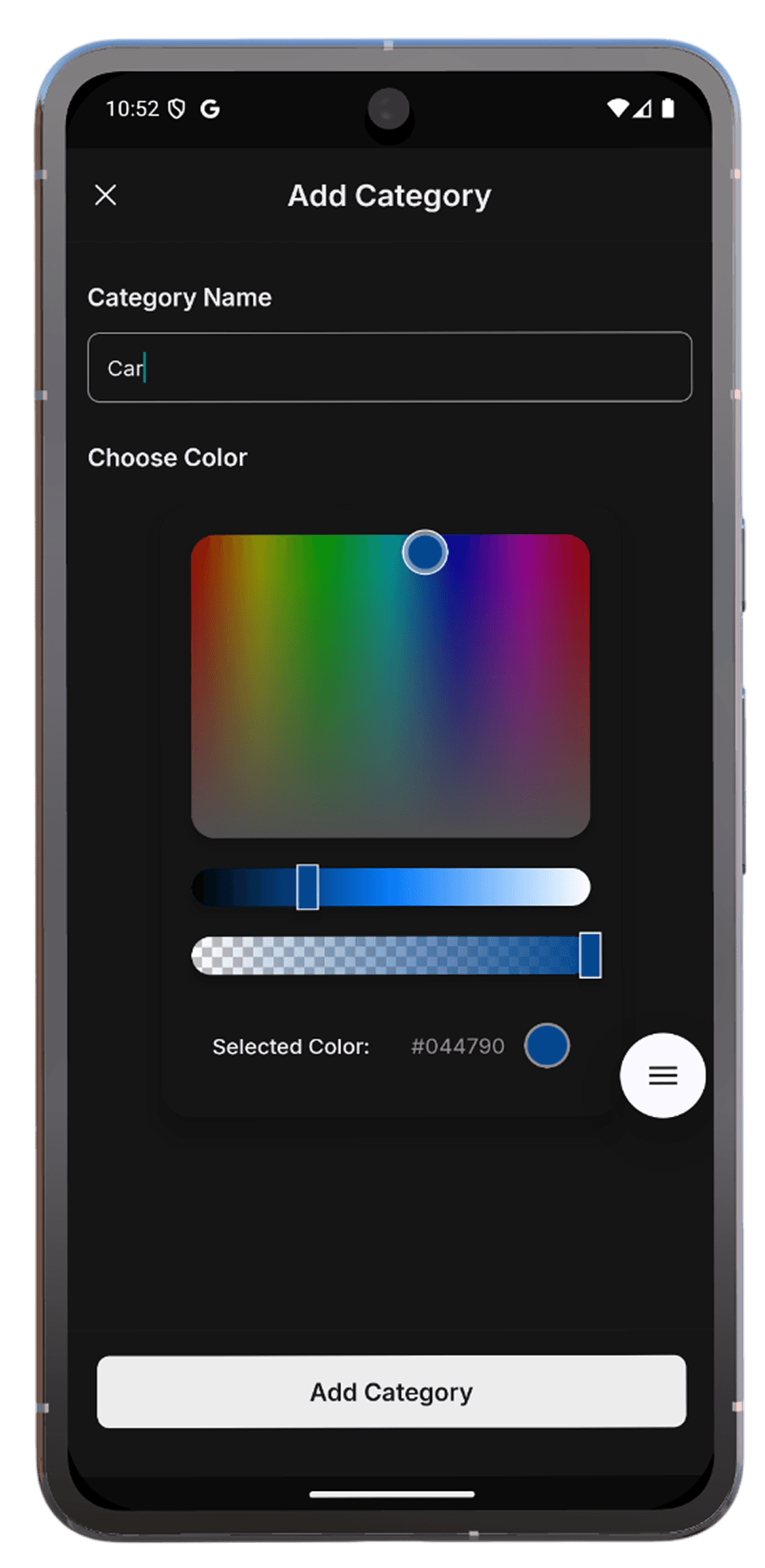
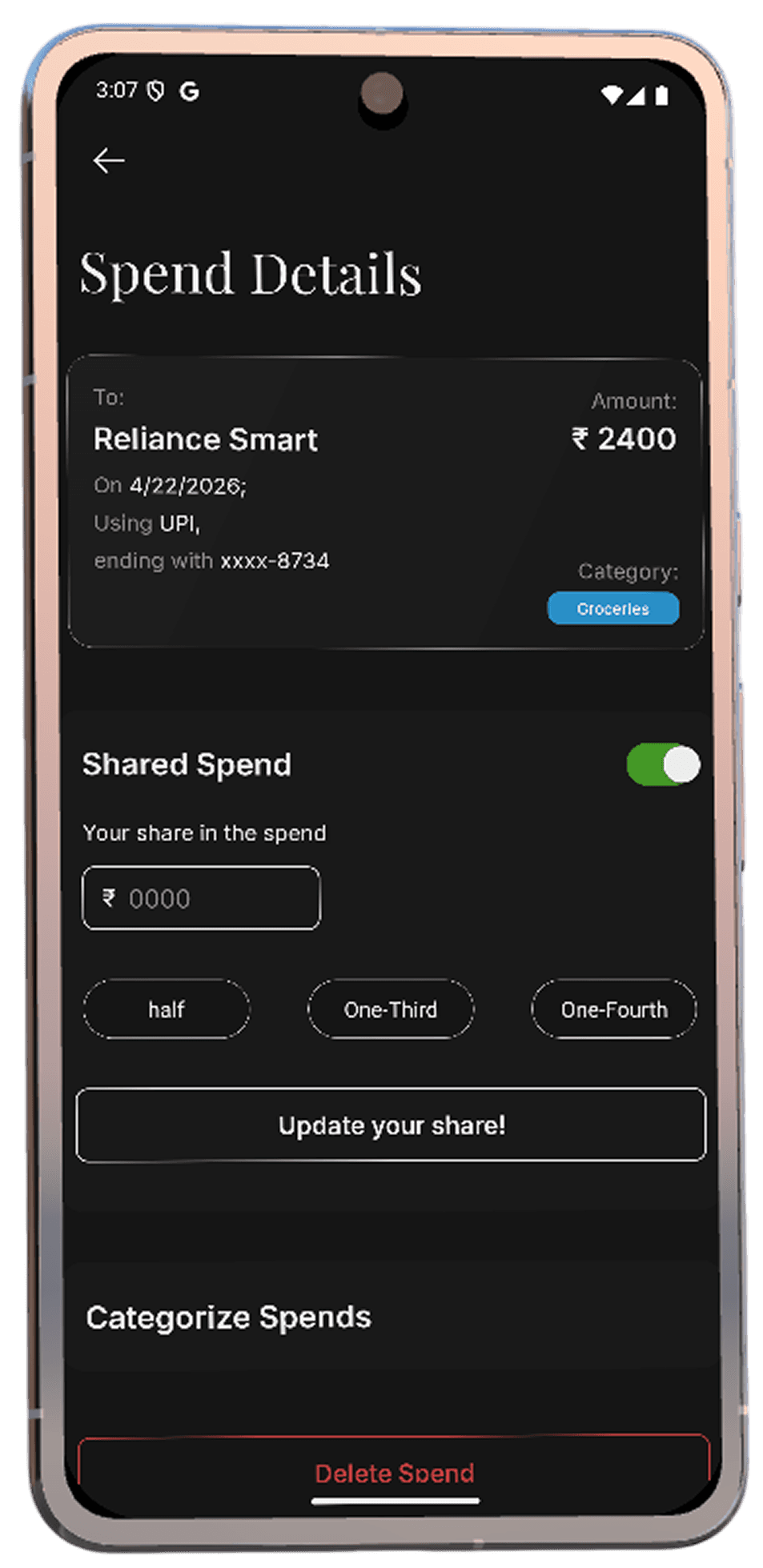
Let categories and colors reflect how you actually spend.
Create, color, and tune categories to match your life.
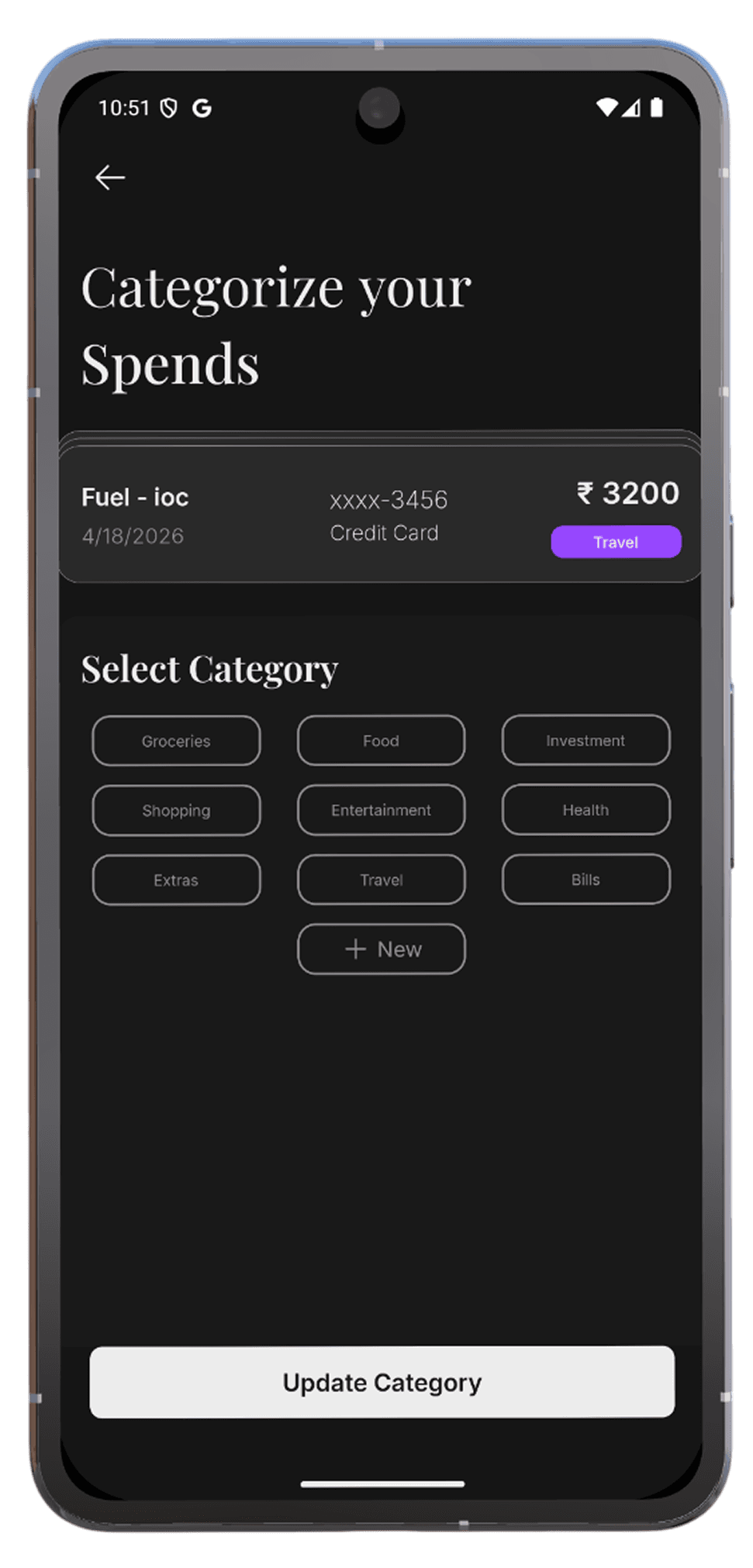
Re-categorize a spend and keep patterns consistent going forward.
Patterns across months, categories, and payment methods.
Export or send summaries people can read—no raw dump of every line item.
How it works
Spends is built for people who want clarity on where money goes—without maintaining a spreadsheet for every coffee run.
Create your Spends account with Google Sign-In so we can keep your data tied to you securely.
Spends requests gmail.readonly to read bank and card alert emails you choose—never to send or change mail.
Merchant, amount, and date are extracted from alerts and synced so your list stays current without manual entry.
Organize with categories and colors, watch trends over time, and split shared spends with people you track with.
We only use Gmail access to surface bank and card alerts you opt into. Read the full policy for retention, deletion, and Google API limited use.
Add your store links when they are ready. Until then, you can still explore policies and account options from the header.